WebCurling

How to play

Swipe, plant, release, then sweep.

This is the one throw in WebCurling — in practice, single player and multiplayer. A speed meter tells you when to kneel and when to let go, and then how well you timed it. After the stone is away, hold and scrub just ahead of it to sweep, or hold Space.

Play a practice game Single player

The throw

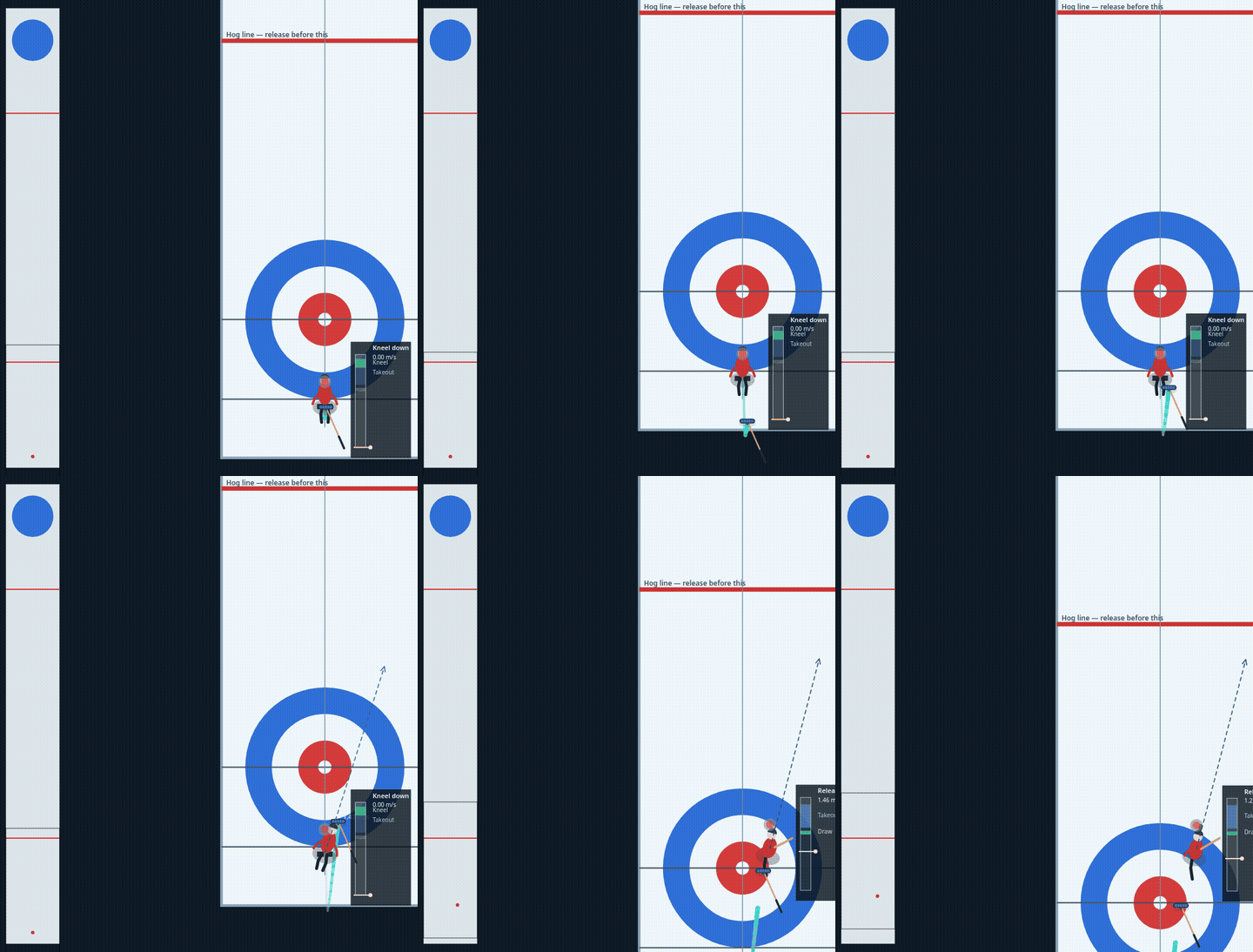
A swipe on the ice sets the line, then the player plants, slides, and releases
  1. Swipe toward the house: the direction sets your line, the length and speed set the run-out.
  2. He starts running. The meter is labelled Kneel down — plant and sit into the slide when your speed is in the kneel band.
  3. While you glide, the meter switches to Release. Let go of the stone in the draw (or takeout) band before the hog line. You then see how well you timed it.
  4. Touchpad: tap to plant, tap again to release. Keyboard: hold Space to plant and glide, let go to release.

The sweep

Sweeping just ahead of a moving stone on the WebCurling sheet
  1. Hold the mouse button or your finger and scrub just ahead of the stone with long, fast strokes. A mini broom shows where you are brushing.
  2. On a laptop, hold Space to sweep — move the pointer to aim the broom, or just hold Space to brush ahead of the stone.
  3. Sweeping reduces friction (the stone travels further) and curl (it goes straighter). Sweep off to one side to nudge the stone away from that side.
  4. Keep the broom just in front of the stone, never on it. In 2-vs-2, one teammate throws and the other sweeps.
Or train the throw on /test2, with sweep stats